



TABLE OF CONTENTS
NVIDIA H100 SXM On-Demand
Key Takeaways
- Price is not Everything: The cheapest GPU option may come with hidden fees or poor performance, always evaluate total cost and efficiency.
- Understand Your Workloads: Choose on-demand, reserved or spot VMs based on workload duration, criticality and scale.
- Performance per Dollar Matters: High-speed GPUs, memory bandwidth and low-latency networking ensure you get maximum value.
- Compare Providers: Hyperstack, Runpod, Lambda Labs, Paperspace and Vast.ai offer varying GPUs, pricing and features. Pick one that fits your needs.
- Start Smart: Transparent pricing and dedicated GPUs help startups and enterprises scale without unexpected costs.
Looking for a cloud GPU that won’t drain your wallet but still performs for your AI projects? Cloud GPU options are everywhere but the cheapest option is not always the smartest. Hidden fees and scaling can turn a “bargain” into a headache. And by that time, you have already spent a lot.
The trick here is not just saving money but getting maximum performance per dollar while keeping your workloads flexible and future-ready. Our latest blog below helps you pick an affordable GPU cloud provider, so you can train, fine-tune and deploy AI models without compromise or surprise costs
What to Look for Before Choosing an Affordable Cloud GPU Provider
When it comes to finding affordable cloud GPU providers, most people look for lower pricing. But pricing is not the only factor you need to consider. Here’s what you should keep in mind when looking for affordable cloud GPU services in 2026:
1. Check for Hidden Fees
Data transfer costs, storage fees and cloud VM setup charges can add up very fast. Some cloud providers charge for data ingress/egress while others include it in their pricing. You need to be aware of all associated costs to avoid surprises at the time you are billed.
2. Think about Your Workload Type
Not all workloads are the same. If you’re just experimenting or running short, inconsistent tasks, pay-per-minute billing can save you a lot. But if your workloads are steady and long-term, reserved VMs usually make more sense as they cost less overall while giving you the same performance (yes, you don’t have to worry about losing speed!).
3. Consider Spot VMs
Spot VMs are unused GPU capacity that cloud providers rent at discounts. They’re ideal for non-critical or batch workloads but can be interrupted when demand spikes, so plan accordingly.
4. Performance per Dollar
Cheaper is not always better. If your GPU setup is slow, your network is lagging or the infrastructure is a headache to manage, you could end up paying less but getting a lot less done. Always check how much GPU power, memory bandwidth and low-latency networking you’re actually getting for the price. You want every dollar to work hard for you.
Affordable Cloud GPU Providers Comparison
|
Provider |
GPU Options |
Pricing (per hour) |
Key Features |
|
Hyperstack |
H100 SXM, RTX A6000, L40 |
On-demand: $0.50 Reserved:$0.35–$2.04Spot: 20% off |
Dedicated GPUs, high-speed networking, 1-click deployment, on-demand Kubernetes, hibernation, NVMe & object storage, AI Studio |
|
Runpod |
A4000, A100, MI300X |
A4000: $0.17A100: $1.19MI300X: $3.49 |
Serverless GPU compute, real-time analytics, custom containers |
|
Lambda Labs |
H100, H200 |
H100 PCIe: $2.49 |
Preinstalled Lambda Stack, one-click GPU clusters, Quantum-2 InfiniBand |
|
Paperspace |
H100, A100 |
H100: $2.24A100: $1.15 |
Pre-configured templates, auto versioning, multi-GPU support |
|
Vast.ai |
Multiple (market-based) |
Variable (auction/bidding) |
Auction-based pricing, Docker support, web interface & CLI |
5 Affordable Cloud GPU Providers
Here is a curated list of some of the most affordable cloud GPU providers that offer great performance with lower pricing:
1. Hyperstack
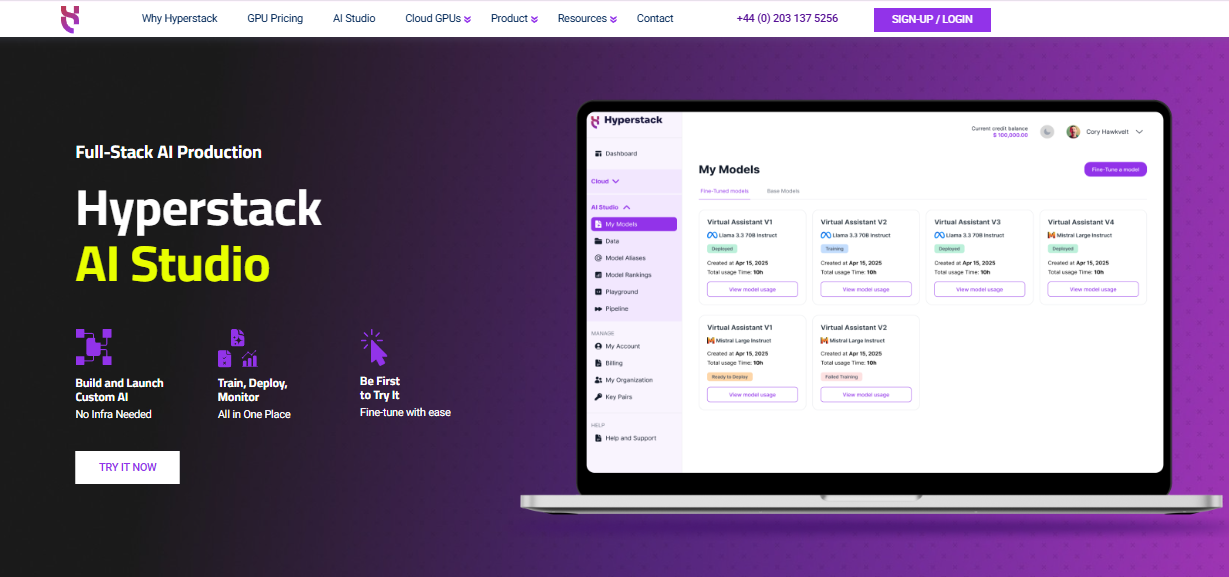
Hyperstack is a high-performance cloud GPU platform where you can deploy AI and ML workloads such as training, fine-tuning and real-time inference at scale. Unlike generic cloud providers that offer shared GPU VMs, Hyperstack provides dedicated GPU infrastructure for fast, reliable and enterprise-grade performance. It supports both on-demand GPU usage and GPU reservation for long-running workloads, giving teams predictable pricing and the flexibility to scale as needed.
Hyperstack Features
Hyperstack offers a range of high-end cloud GPUs to match different workloads:
- For heavy-duty training and large-scale inference: You can choose the NVIDIA H100 SXM with NVSwitch and NVLink, NVIDIA H100 PCIe, NVIDIA A100 or the NVIDIA H200 SXM.
- For budget or mid-range tasks: You can choose more cost-effective options like the NVIDIA RTX A6000 or NVIDIA L40.
High-speed networking
With networking up to 350 Gbps, Hyperstack ensures lightning-fast data transfer for distributed workloads with minimal latency, critical for large-scale AI projects.
1-Click Deployment
Deploy GPU VMs in minutes without complicated setup, so you can jump straight into training, testing or iteration.
On-demand Kubernetes
Hyperstack On-Demand Kubernetes provides a fast and flexible environment for deploying, scaling and managing production-ready Kubernetes clusters for AI and cloud-native applications.
Hibernation
Pause your GPU workloads without incurring active usage charges with the VM Hibernation feature. Resume instantly when needed, saving both time and cost.
High-speed NVMe storage and Object Storage
Fast NVMe storage ensures smooth access to training datasets, checkpoints and inference data. You can also choose Hyperstack Object Storage, built on Amazon S3-compatible technology which provides scalable, secure and API-ready storage for AI/ML workloads.
AI Studio
Hyperstack AI Studio lets you develop and deploy Gen AI applications without touching infrastructure. It covers the full lifecycle including fine-tuning, inference, evaluation and deployment in one unified environment.
Hyperstack Cloud GPU Pricing
Hyperstack offers flexible pricing models to match different usage patterns:
- On-demand GPU VMs: You pay for what you use with on-demand GPUs, starting at $0.50/hour.
- Reserved VMs: Lower rates for long-term workloads, starting at $0.35/hour for low-end GPUs and up to $2.04/hour for high-end NVIDIA H100 SXM GPUs.
- Spot VMs: With Spot VMs, you get up to 20% off standard pricing for non-critical workloads.
Check out other services pricing:
- Public IP address: $0.0067 per hour
- Egress/Ingress traffic: Free
- On-Demand Kubernetes: Free master node
With flexible billing, dedicated GPUs and high-performance infrastructure, Hyperstack delivers excellent performance per dollar. For instance, if you’re looking to accelerate inference while keeping costs under control, the NVIDIA H100 SXM offers 2.8x the performance at only 1.7x the cost. It delivers more value per token than the NVIDIA A100 NVLink when deployed on our platform optimised for LLM workloads at scale. See full benchmark here.
Hyperstack Ideal Use Cases
Hyperstack is perfect for:
- Training large-scale AI and ML models with enterprise-grade GPUs
- Fine-tuning LLMs or other generative AI models
- Real-time inference at scale with minimal latency
- Startups and enterprises seeking predictable pricing and dedicated GPU performance
- Teams looking to move from experimentation to production without cloud complexity
2. Runpod
Runpod offers serverless GPU compute with container-based environments, enabling developers to deploy AI workloads instantly without managing infrastructure. It supports NVIDIA A4000, NVIDIA A100 and MI300X GPUs, making it ideal for real-time model iteration and flexible MLOps pipelines.
Key Features
- Serverless GPU compute with container support
- Real-time analytics and logs
- Custom container support with volume mounting
Pricing
- A4000: $0.17/hour
- A100 PCIe: $1.19/hour
- MI300X: $3.49/hour
Ideal Use Cases
Runpod is great for real-time model iteration, containerised AI workflows and serverless LLM deployments, providing speed and flexibility for developers.
3. Lambda Labs
Lambda Labs provides deep-learning-optimised cloud GPUs with NVIDIA H100 and H200 options. With preinstalled Lambda Stack and Quantum-2 InfiniBand networking, it delivers low-latency, high-performance compute for AI research and production.
Key Features
- Preinstalled Lambda Stack with ML libraries
- One-click GPU cluster setup
- Quantum-2 InfiniBand networking for ultra-low latency
Pricing
- H100 PCIe: $2.49/hour
Ideal Use Cases
Lambda Labs is ideal for LLM training, enterprise-grade inference, and teams needing scalable, preconfigured AI environments for fast experimentation and production deployment.
4. Paperspace
Paperspace provides scalable GPU cloud infrastructure with fast-start templates and version control, making it ideal for AI development teams. It supports NVIDIA H100 and NVIDIA A100 GPUs for training, experimentation and deployment.
Key Features
- Pre-configured templates for rapid setup
- Auto versioning and experiment reproducibility
- Flexible scaling with multi-GPU support
Pricing
- H100: $2.24/hour
- A100: $1.15/hour
Ideal Use Cases
Paperspace is perfect for model development, MLOps pipelines, experimentation and scalable AI deployment, helping teams move quickly from prototyping to production.
5. Vast.ai
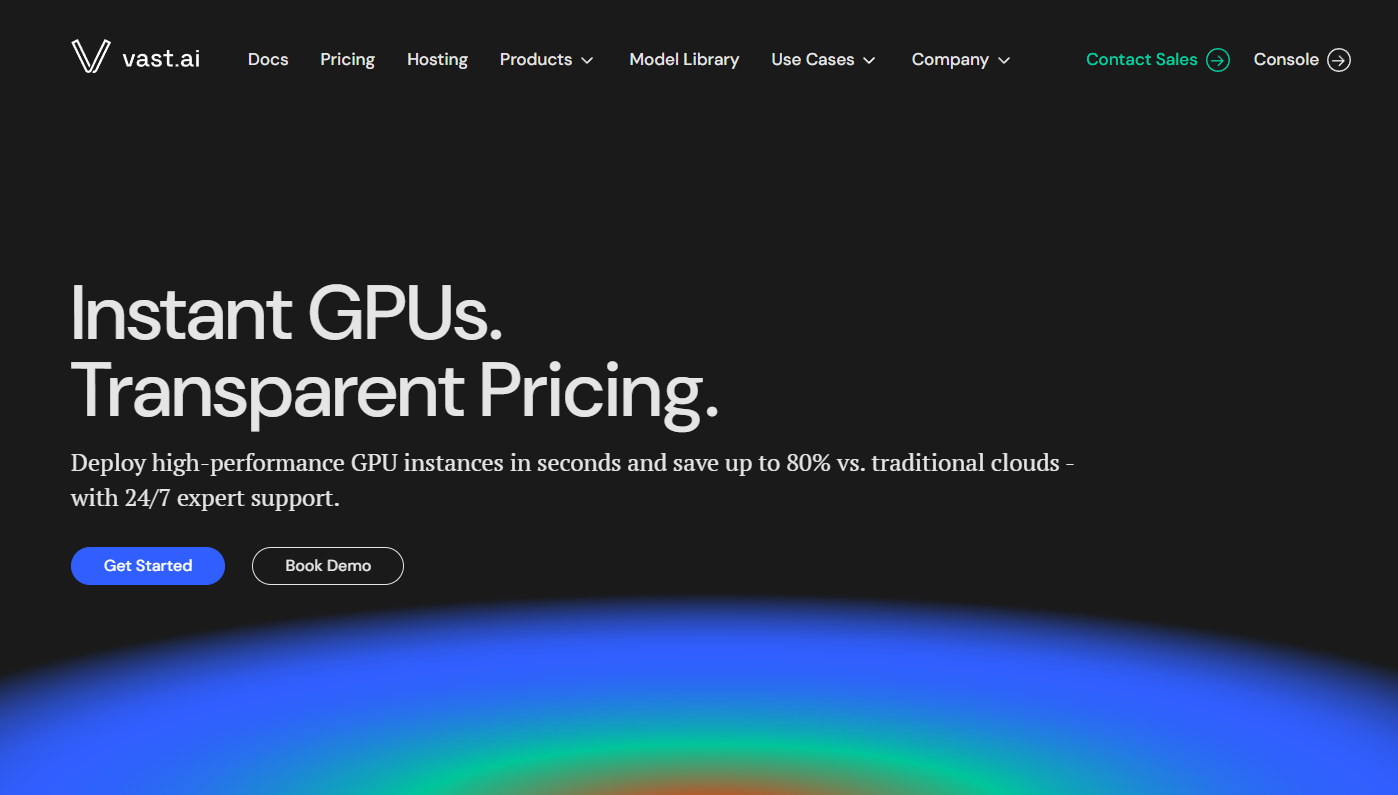
Vast.ai offers a decentralised GPU marketplace, providing low-cost compute via real-time bidding. Developers can instantly deploy Docker-based environments across varied GPU types, making it ideal for cost-sensitive AI workloads.
Key Features
- Auction-based GPU pricing for cost savings
- Instant deployment with Docker support
- Simple web interface and CLI for easy management
Pricing
- Variable, based on bidding and availability
Ideal Use Cases
Vast.ai is best suited for low-cost model training, experiment-heavy projects and developers seeking flexible, budget-friendly GPU resources without long-term commitments.
Conclusion
Choosing an affordable cloud GPU is not just about picking the cheapest hourly rate. You must be mindful of balancing cost, performance and flexibility. Pay attention to hidden fees, your scaling patterns, spot VM availability and performance per dollar.
With these affordable cloud GPU provider options, developers and enterprises can tailor GPU cloud resources to their workload needs without breaking the bank.
New to Hyperstack? Get started today and experience dedicated, high-performance cloud GPUs with simple pricing and enterprise-grade reliability. Sign up now and bring your AI projects to life!

FAQs
Can I use cloud GPUs for AI training and inference?
Yes. Platforms like Hyperstack, Runpod, Lambda Labs and Paperspace support AI/ML workloads including model training, fine-tuning and real-time inference.
What are spot VMs and how do they save money?
Spot VMs are unused GPU resources sold at discounted rates. They can reduce costs up to 20% but may be interrupted if demand spikes.
Are there hidden fees when using cloud GPU providers?
Some providers charge for data ingress/egress, storage, or setup. Hyperstack, for example, includes egress/ingress traffic and offers transparent pricing.
What factors should I consider besides price?
Evaluate performance per dollar, hidden fees, network speed, storage, hibernation options and the ability to deploy workloads easily for your AI/ML projects.
Subscribe to Hyperstack!
Enter your email to get updates to your inbox every week



